
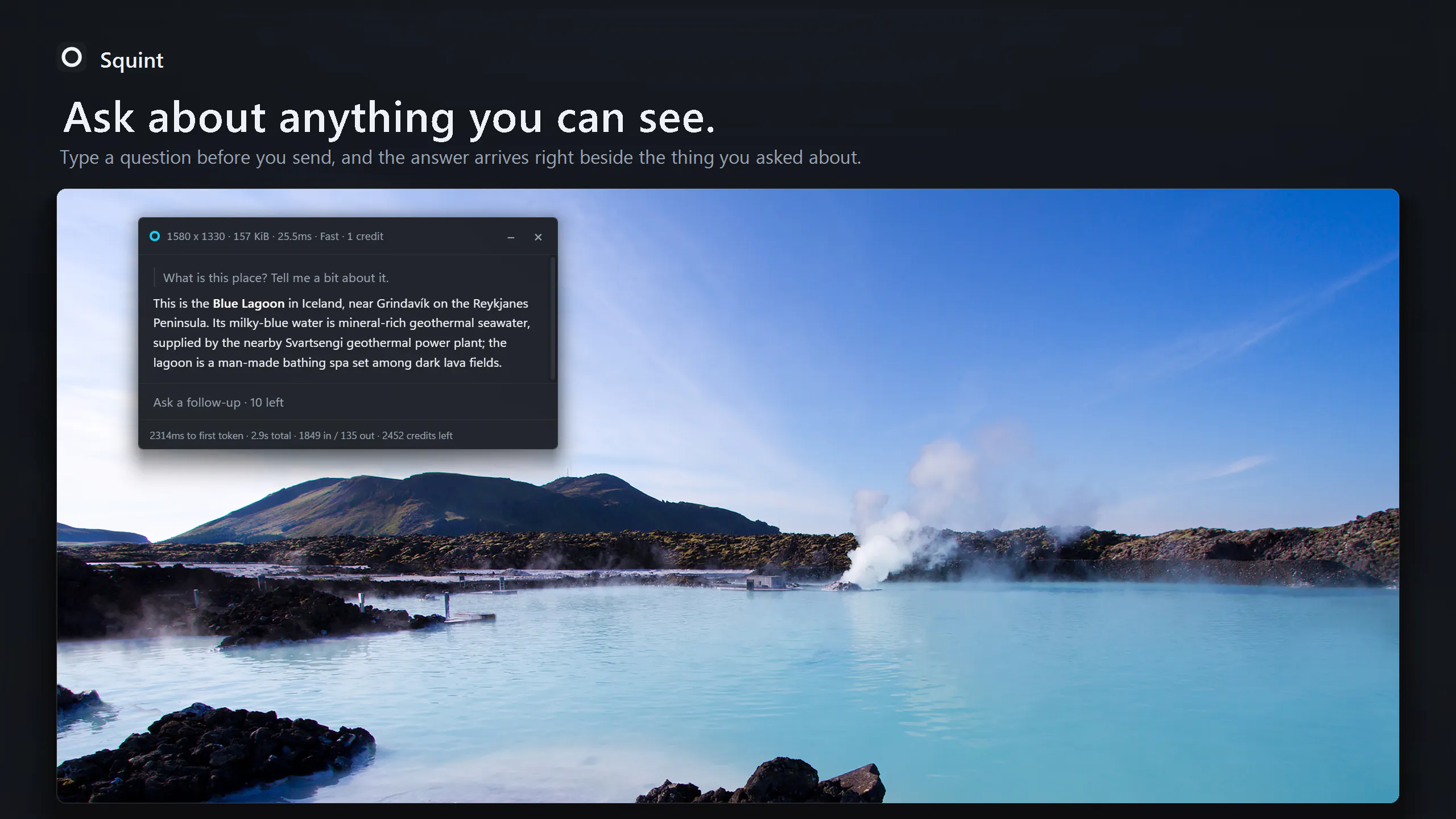
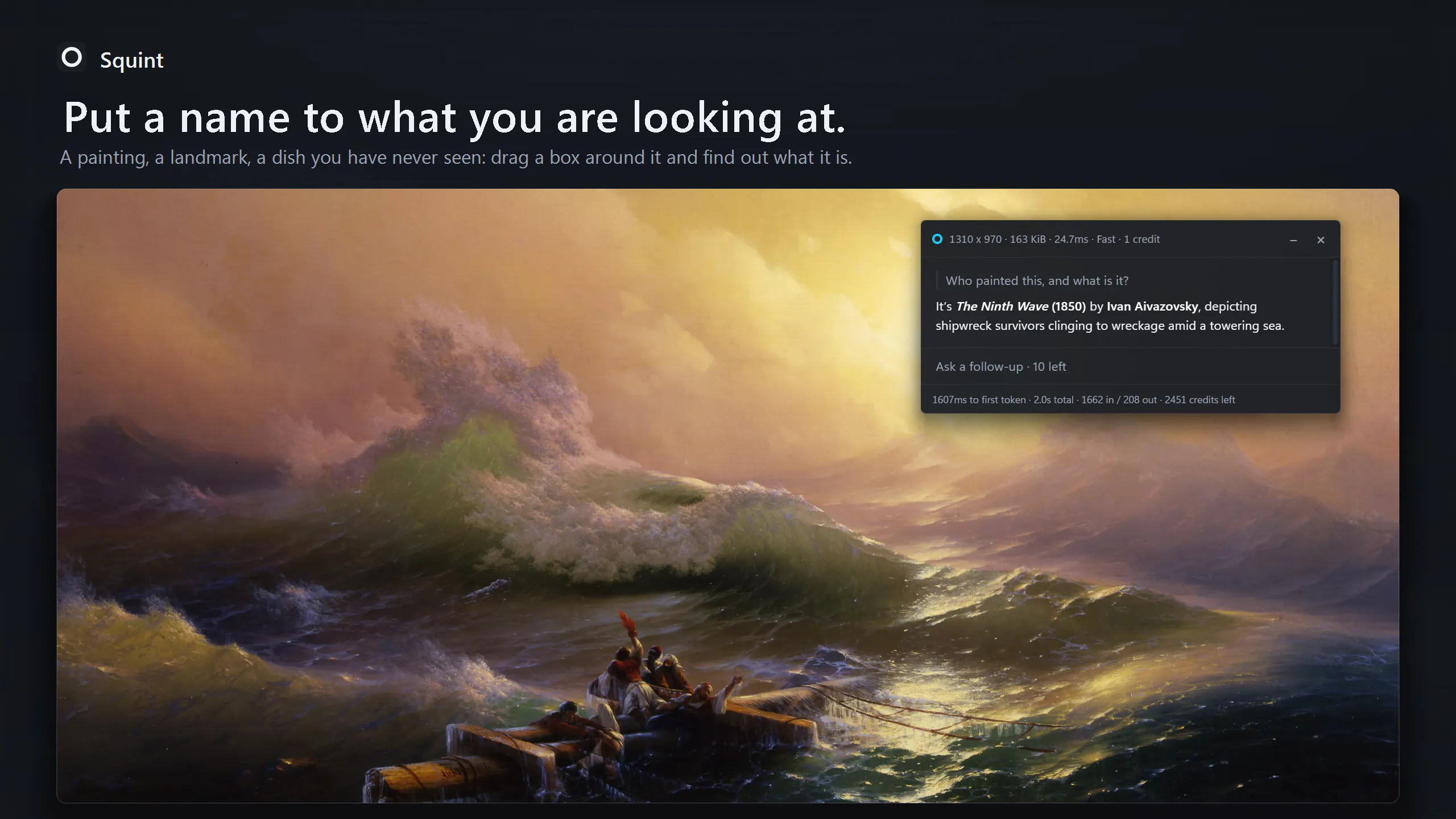
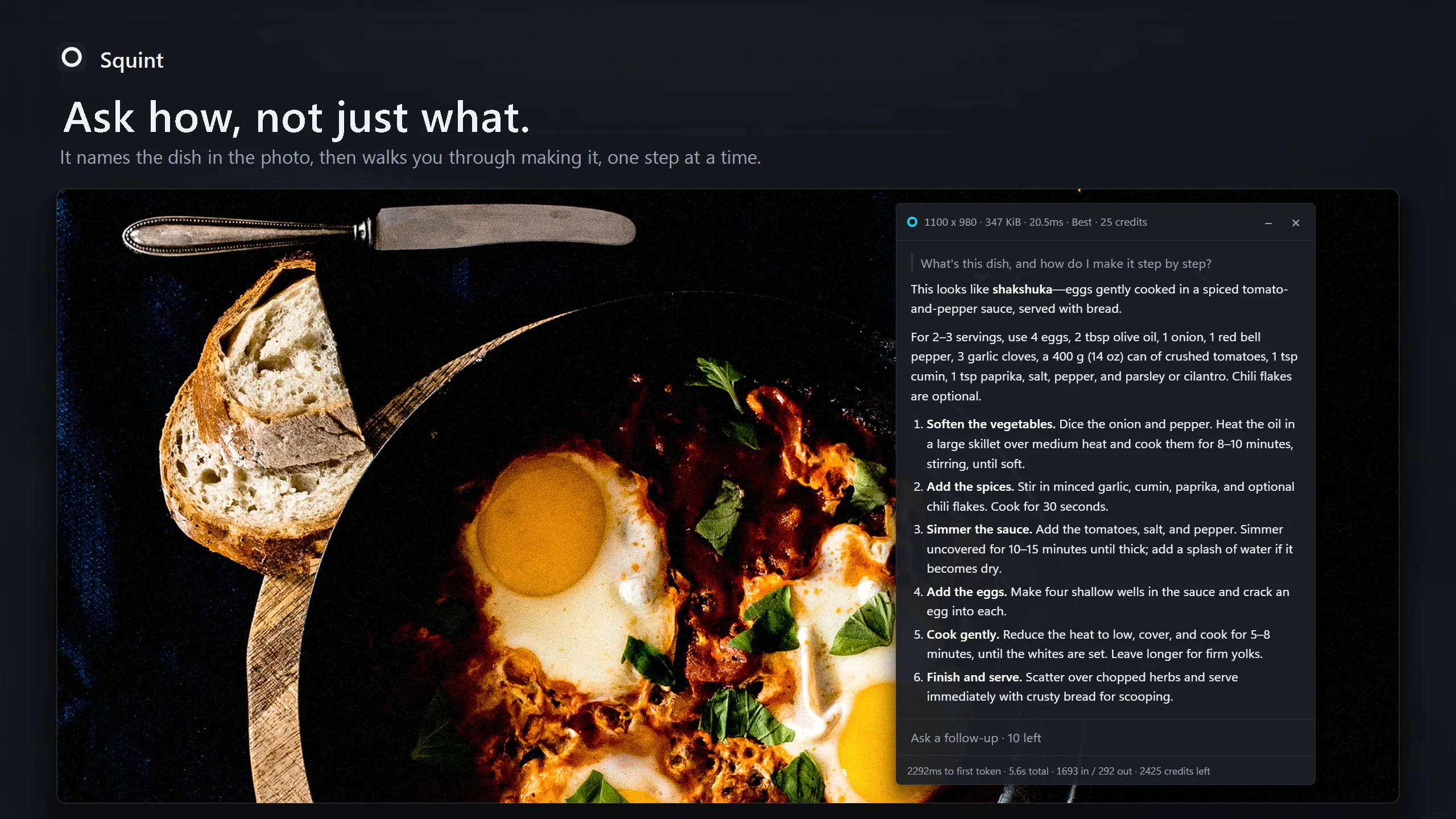
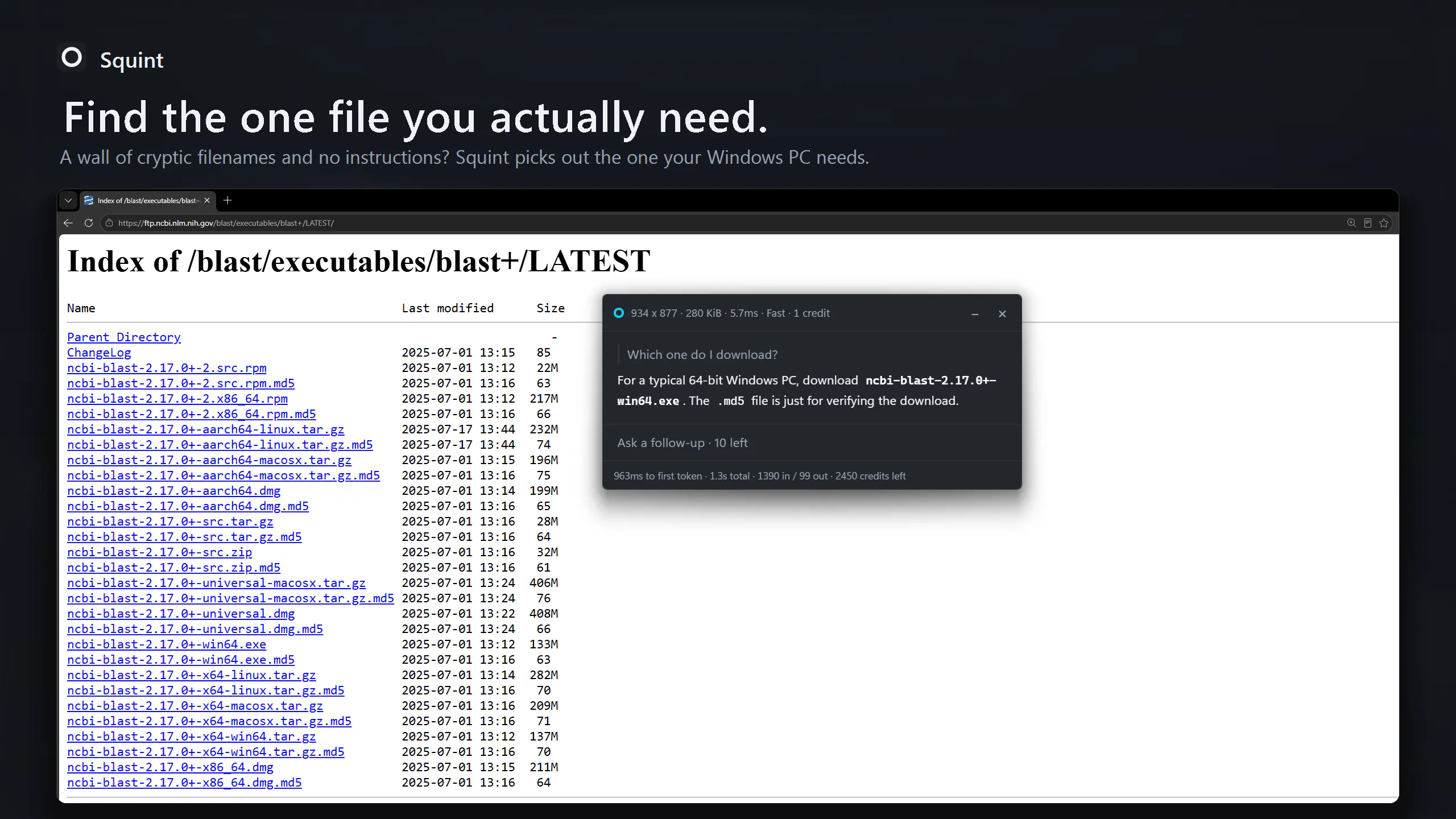
Most AI tools make you screenshot, switch to a chat tab, upload, and switch back. Squint cuts that to one step: press a hotkey, drag a box over anything on your screen, and ask. The answer appears right beside what you selected, and you can ask follow-ups. Fast mode usually starts answering in 1-2 seconds; Best mode gives deeper answers. Built in Rust with native screen capture for speed. Works on Windows 10/11 and Linux (Wayland), with a free tier of 3 captures a day.
WindowsProductivityArtificial Intelligence
Advertisement (Responsive)
💬 Comments
📋 Details
Launched
September 30, 2026
Upvotes
87
Comments
7
Source
Public data
Advertisement (Responsive)






This tool has 7 comments on Product Hunt.
View comments on Product Hunt →